
Learning
Login to enroll in courses and start learning
LoginExcel, Google Sheets & Accounting Data Integration
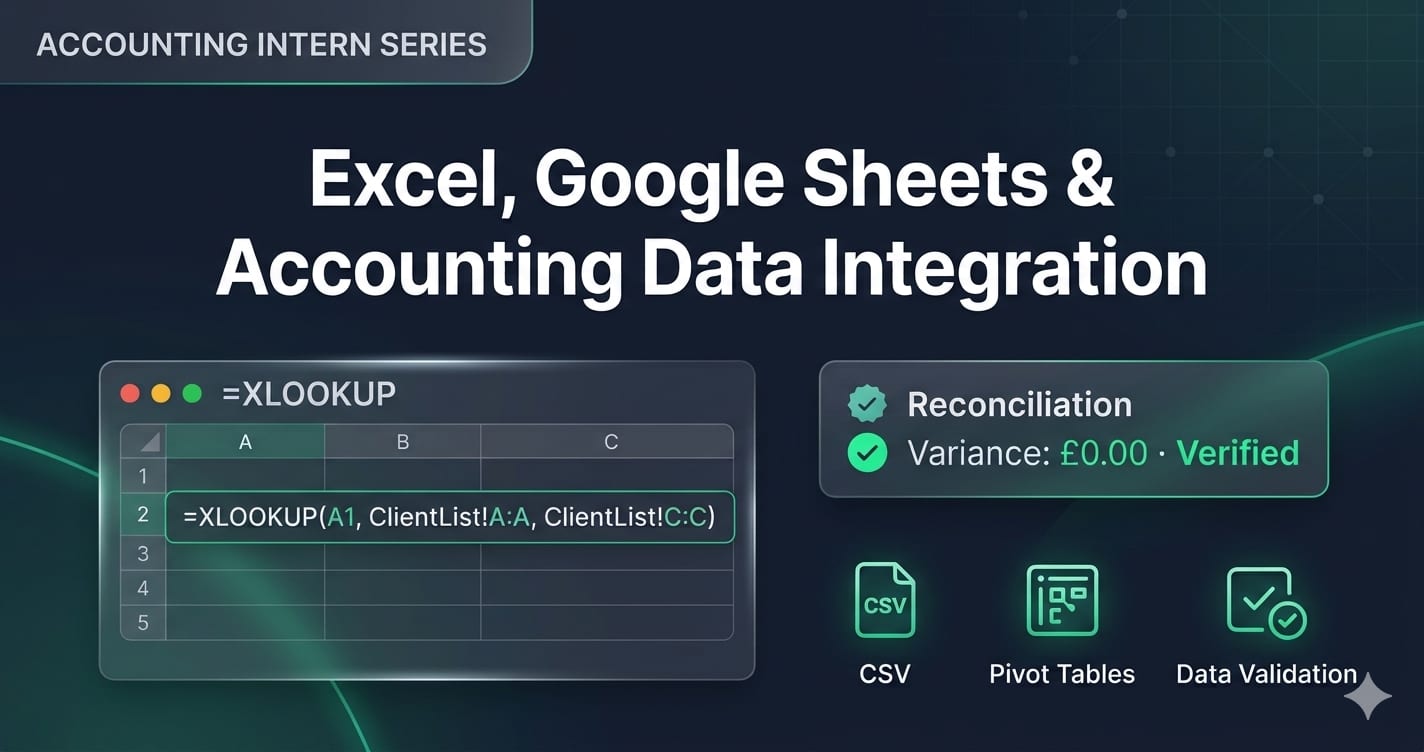
Learn to use Microsoft Excel and Google Sheets for accounting data management, CSV imports, financial calculations, duplicate detection, data reconciliation, and reporting.
What you'll learn
- Import and export CSV files safely in Excel and Google Sheets.
- Understand spreadsheet data cleaning and formatting.
- Identify and correct date, currency and encoding issues.
- Use XLOOKUP for matching accounting records.
- Apply SUMIFS and COUNTIFS formulas.
- Identify duplicate invoices using COUNTIF.
- Create pivot tables and summarize financial data.
- Reconcile billing data with ledger records.
- Identify missing transactions and amount mismatches.
- Prepare accounting exception reports.
- Perform spreadsheet quality-control checks.
- Understand data privacy and secure file-sharing practices.
About this course
This practical training course introduces students to Excel, Google Sheets, and accounting data integration. Students will learn how to import and export CSV files, clean accounting data, use essential spreadsheet formulas, identify duplicate invoices, perform lookups, prepare pivot tables, and reconcile billing records with ledger entries.
Through practical examples and fictional accounting datasets, students will understand how to identify missing transactions, incorrect amounts, duplicate entries, and date mismatches.
By the end of this course, students will be able to organize accounting data, perform reconciliation, prepare exception reports, and complete basic spreadsheet quality-control checks.
Curriculum · 7 sections · 21 lessons
Excel, Google Sheets & Accounting Data Integration
- Lesson—
Section 1: Safe handling of accounting data
- Lesson 1.1: Privacy rules for spreadsheets—
- Lesson 1.2: The raw-tab principle—
- Lesson 1.3: Meet the dataset—
Section 2: Importing and cleaning CSV data
- Lesson 2.1: Safe CSV import and export.—
- Lesson 2.2: Dates and currency—
- Lesson 2.3: Import problems and fixes—
Section 3: Core formulas and lookups
- Lesson 3.1: XLOOKUP for matching—
- Lesson 3.2: SUMIFS and COUNTIFS—
- Lesson 3.3: Pivot tables—
- Lesson 3.4: Worked lookups and totals—
Section 4: Finding data problems
- Lesson 4.1: Duplicate detection—
- Lesson 4.2: Case study 1, the double-counted invoice—
- Lesson 4.3: Case study 2, the transposed amount—
- Lesson 4.4: Case study 3, the cut-off item—
Section 5: Reconciliation and exception reporting
- Lesson 5.1: Building the reconciliation bridge—
- Lesson 5.2: Writing the exception list—
- Lesson 5.3: Guided practice and answer-key review—
Section 6: Controls, validation and hand-over
- Lesson 6.1: Data validation—
- Lesson 6.2: Workbook specification—
- Lesson 6.3: Quality control and sign-off—
Requirements
- Basic computer knowledge.
- Basic understanding of accounting and bookkeeping.
- Familiarity with invoices, billing records, and ledger entries.
- Basic knowledge of Excel or Google Sheets is helpful.
- A computer or laptop for practical exercises.
- Microsoft Excel or Google Sheets access.
- Basic understanding of addition, subtraction, and financial amounts.
Ratings & reviews
Discussion
Login to join the discussion