
Learning
Login to enroll in courses and start learning
LoginIT & Software
Unity Game Development
Learn Unity 3D from setup to building a TPS game
12 lessons5h0 enrolledBeginner
What you'll learn
- Set up Unity Hub and create projects
- Navigate the Unity editor, views and layout
- Build a third-person-shooter (TPS) game
- Add environments, sprite animation and audio
About this course
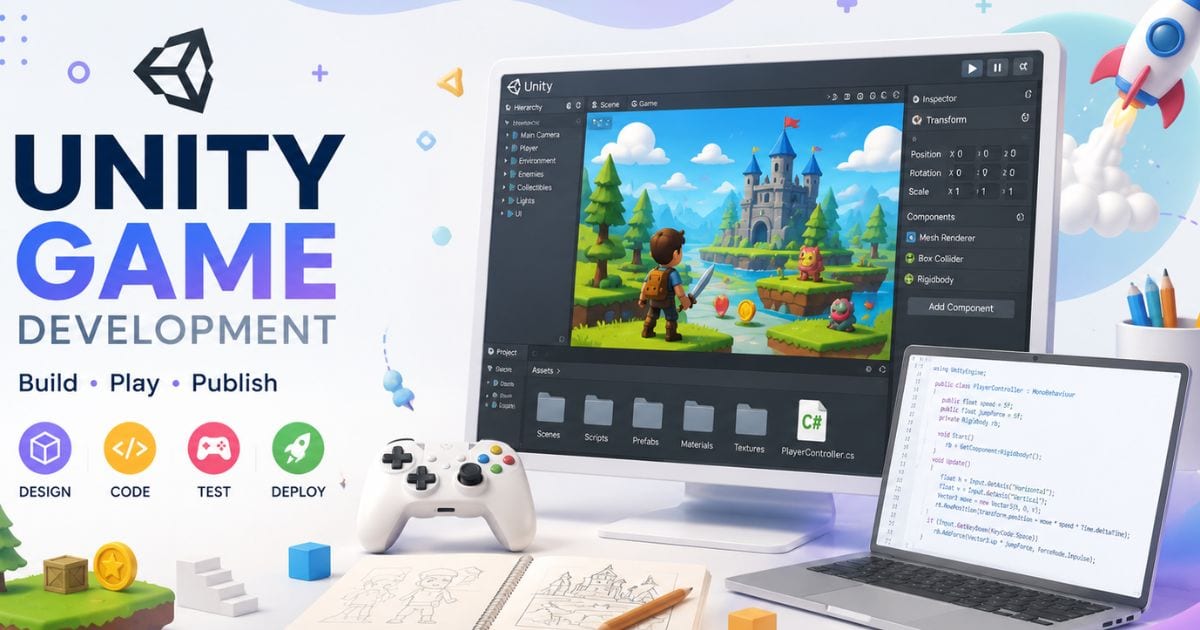
Hands-on Unity 3D course: install Unity, understand the editor, then build a third-person-shooter game step by step — environment, sprite animation and audio included.
Curriculum · 2 sections · 12 lessons
Getting Started with Unity
- The Unity Tutorial for Complete Beginners—
- Become a Game Developer Without a Degree—
- Class 1: Steps to Become a Game Developer—
- Class 2: Game Engine vs IDE—
- Class 3: Installing Unity3D — Unity Hub vs Installer—
- Class 4: Creating a New Project in Unity Hub—
- Class 5: Unity3D Layout and Views—
- Minimum & Recommended PC Specs for Game Development—
Build a TPS Game
- Build a TPS Game in Unity 3D — Part 1—
- Build a TPS Game in Unity 3D — Part 2—
- Sprite Animation & Audio in Unity—
- Adding an Environment to Your Unity Game—
Requirements
- A PC capable of running Unity (low-budget specs covered in the course)
Ratings & reviews
Discussion
Login to join the discussion